Article
Install Android Studio on Windows
Nov 25, 2021 Vineel Sai
Download Android Studio
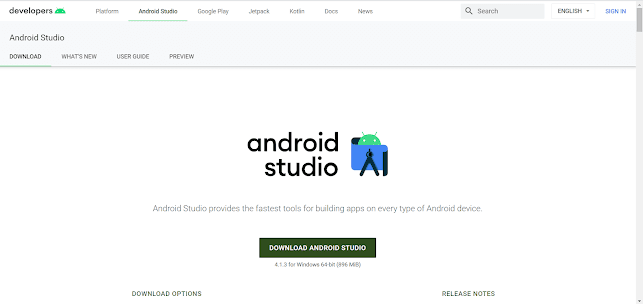
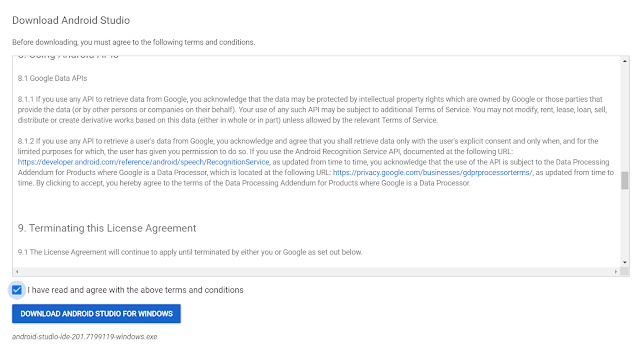
- Click on the Download Android Studio button and accept the license and agreement and click Download Button.
Install Android Studio
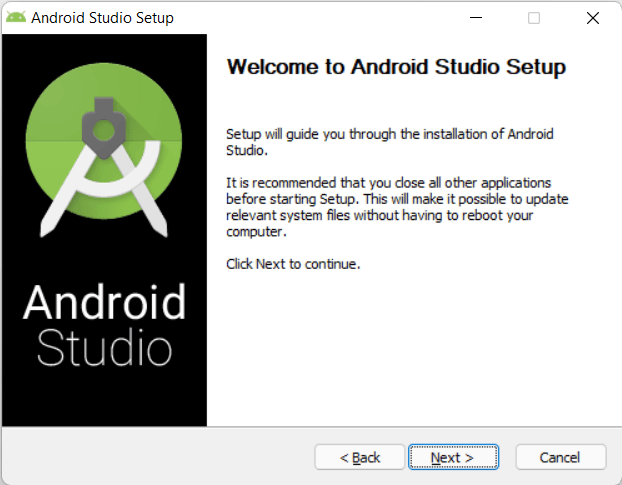
- Double click on the downloaded .exe file.
-
Install the program as you would normally.
-
Click Finish to close the installer.
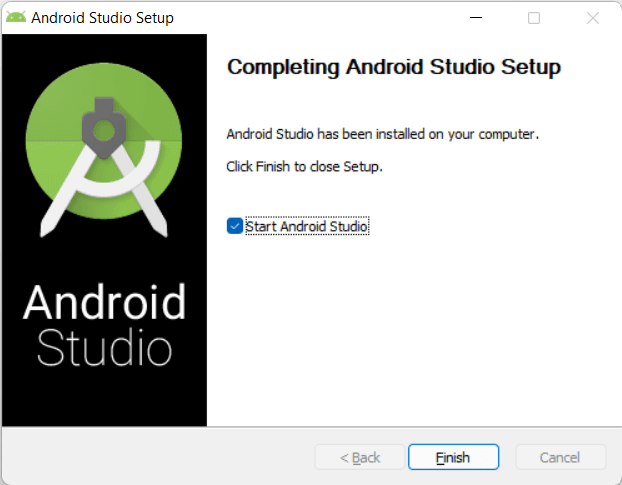
-
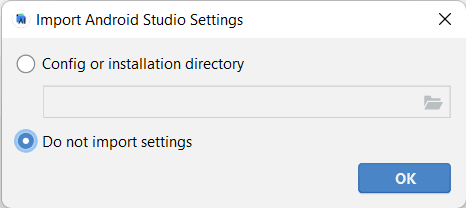
Now the Android Studio will start automatically.
-
Choose Do not import settings, then click on OK.
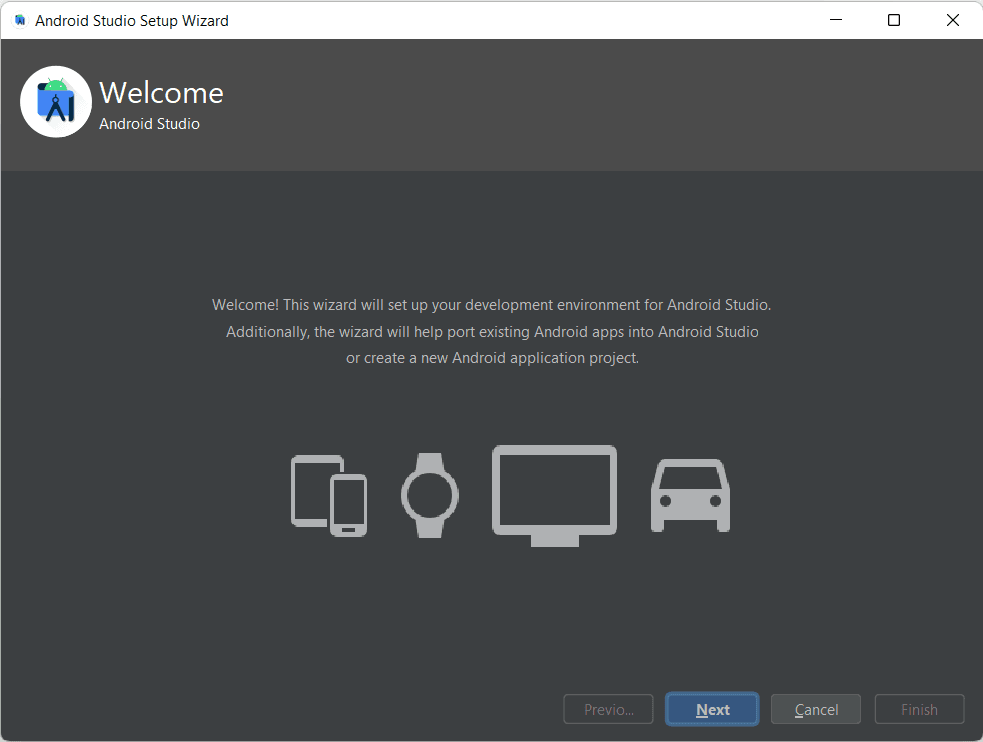
- Click Next.
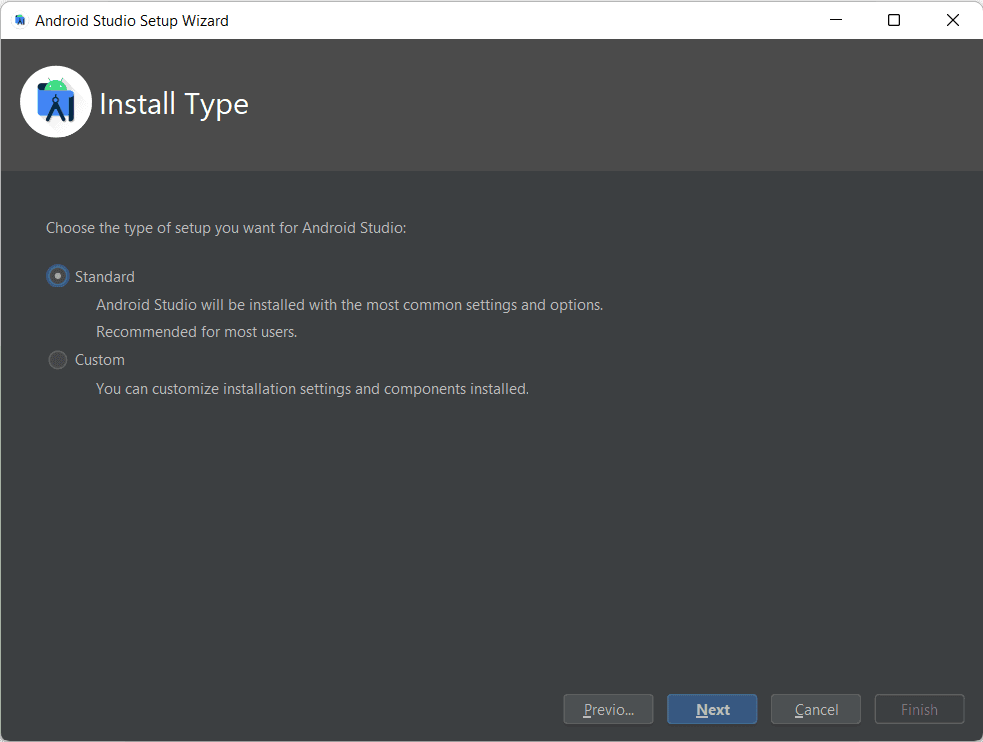
- Select standard unless you want to change some configurations and click Next.
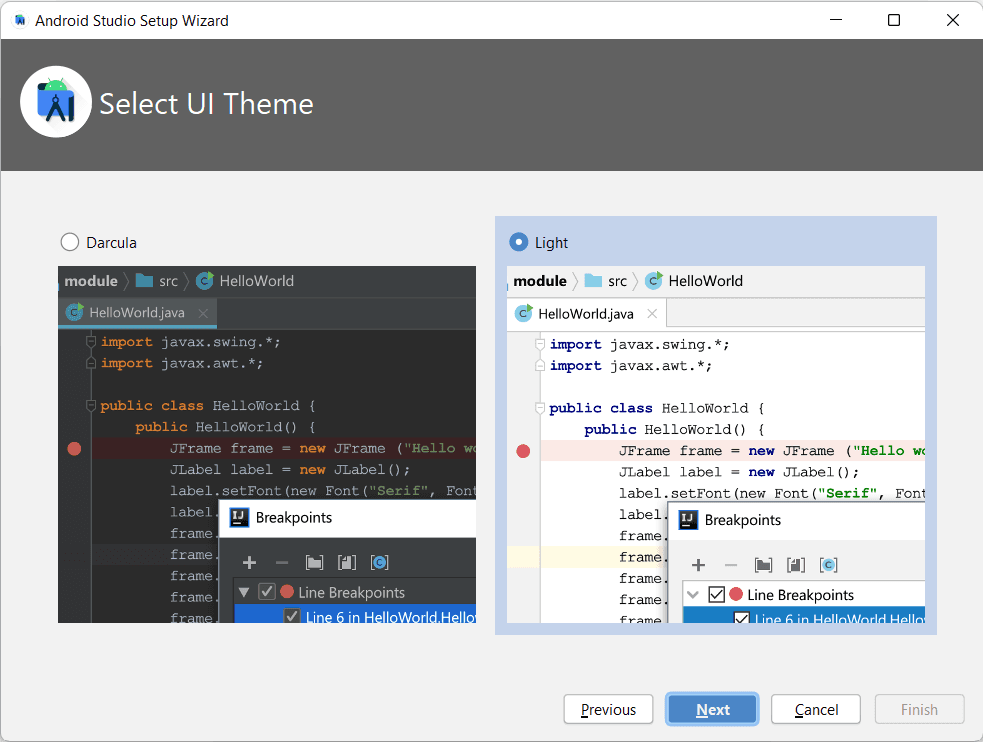
- Choose a theme and click Next.
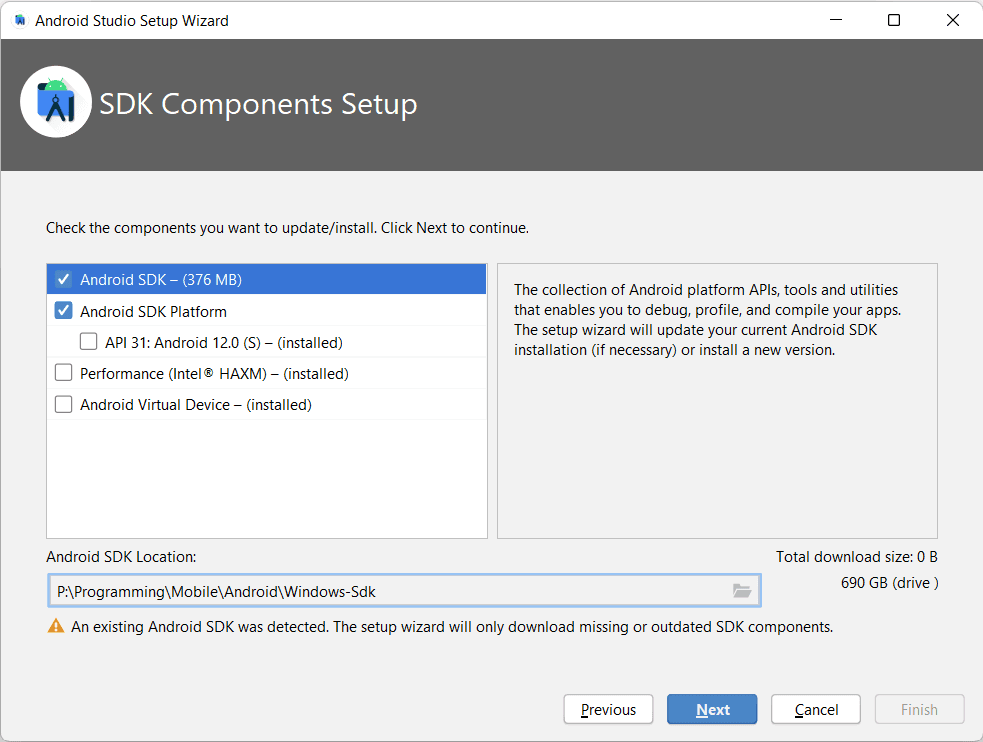
- Choose SDK location and click Next.
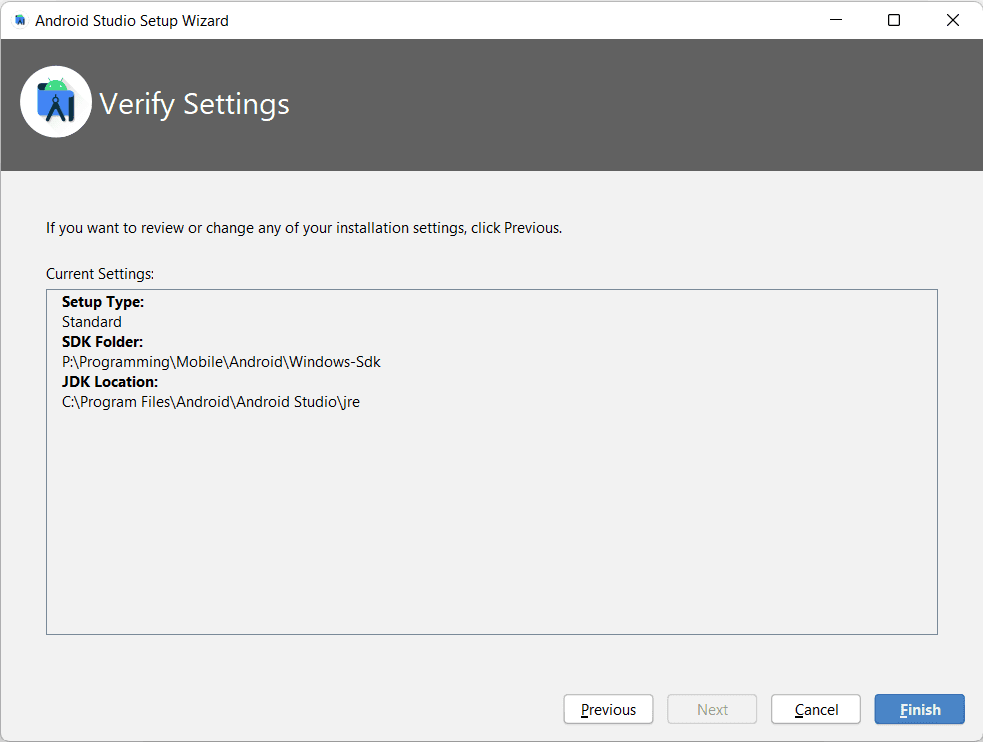
- Confirm settings and click Finish.
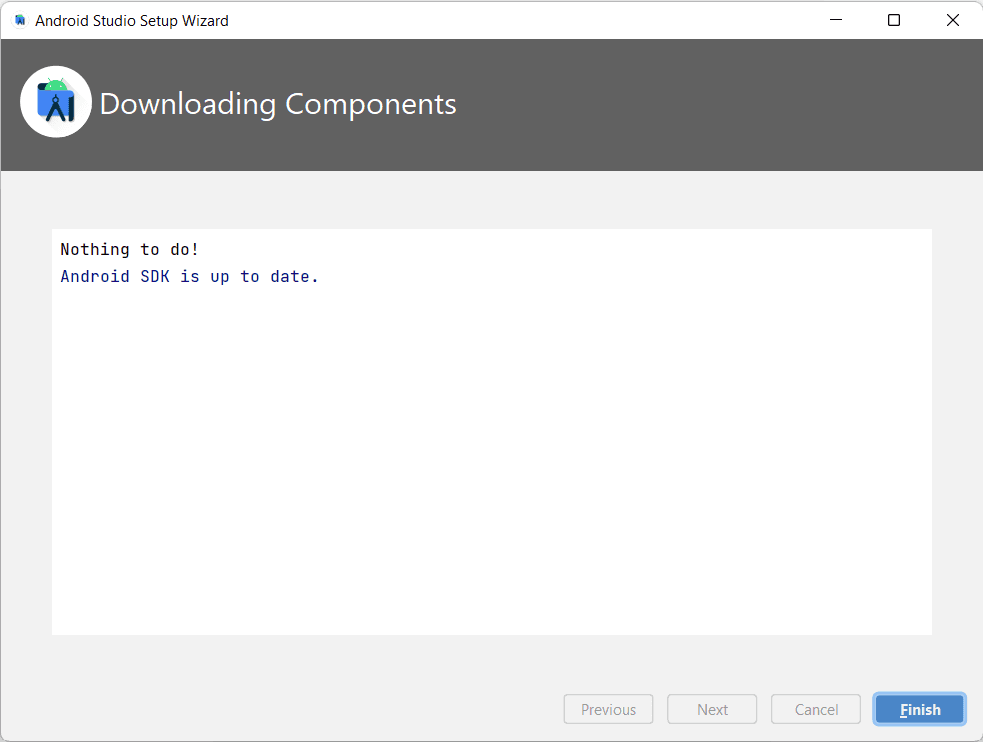
- Click Finish after the SDK download is complete.
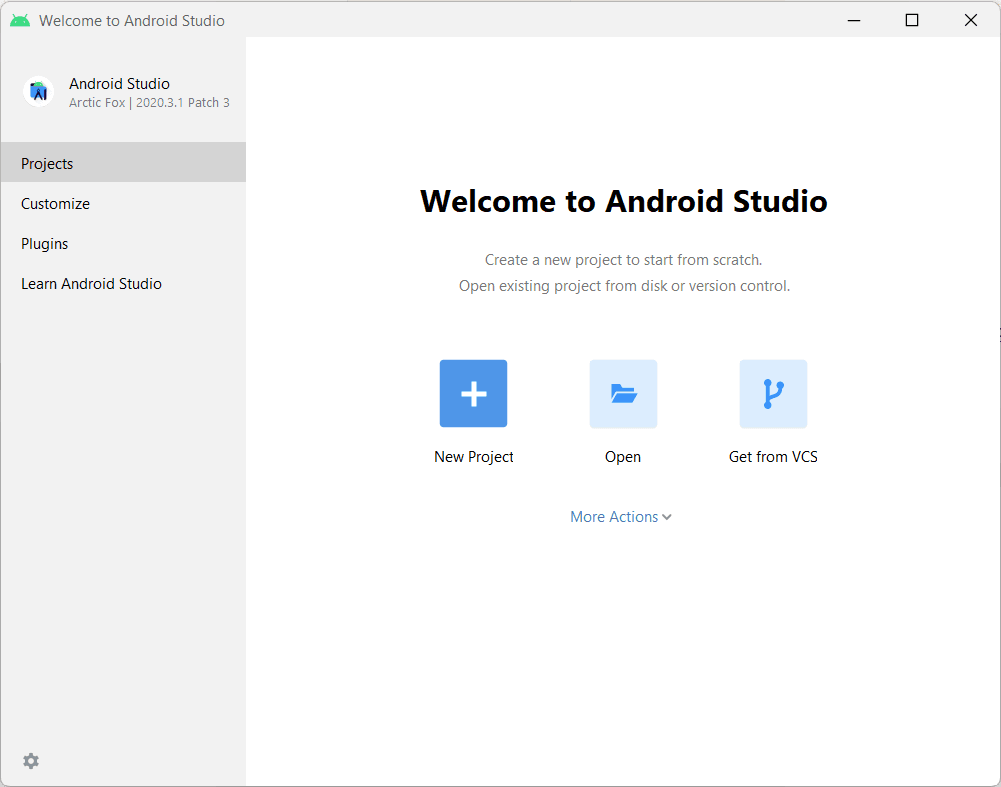
- Now you are good to go and make your feet wet on your journey to Android Development.